







Mammoth Secure AI Browser
Control AI Access. Define Data Boundaries. Secure the Browser.
Mammoth Secure AI browser lets organizations control who can use AI, where data can flow, and how AI is accessed — directly at the browser layer.
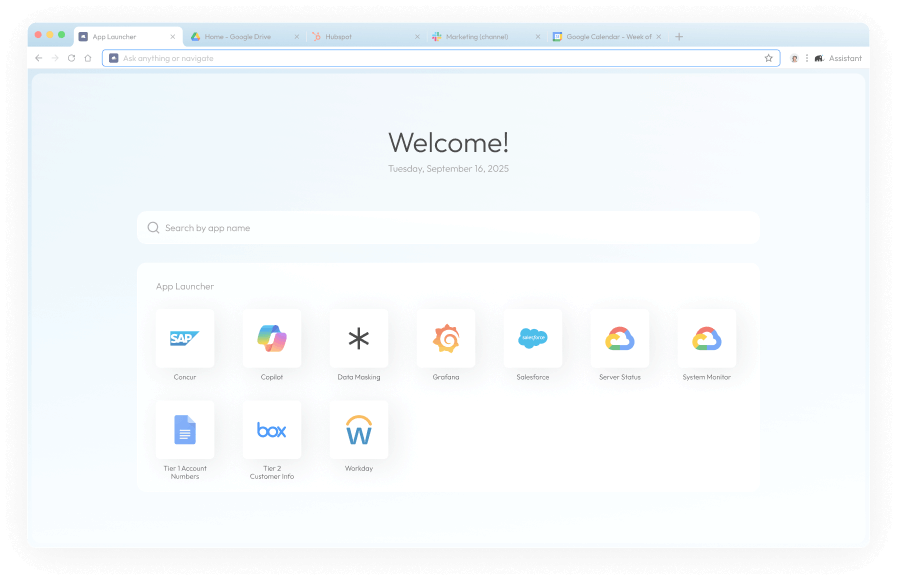
Transforms Your Browser into a Secure AI Workspace.
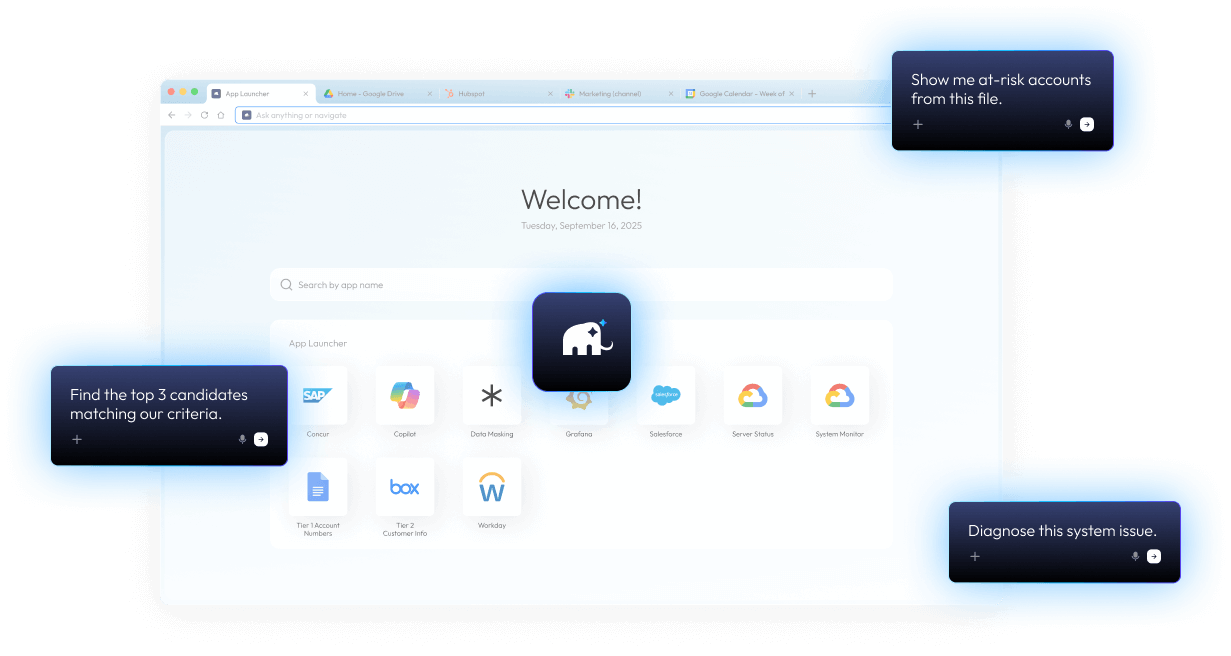
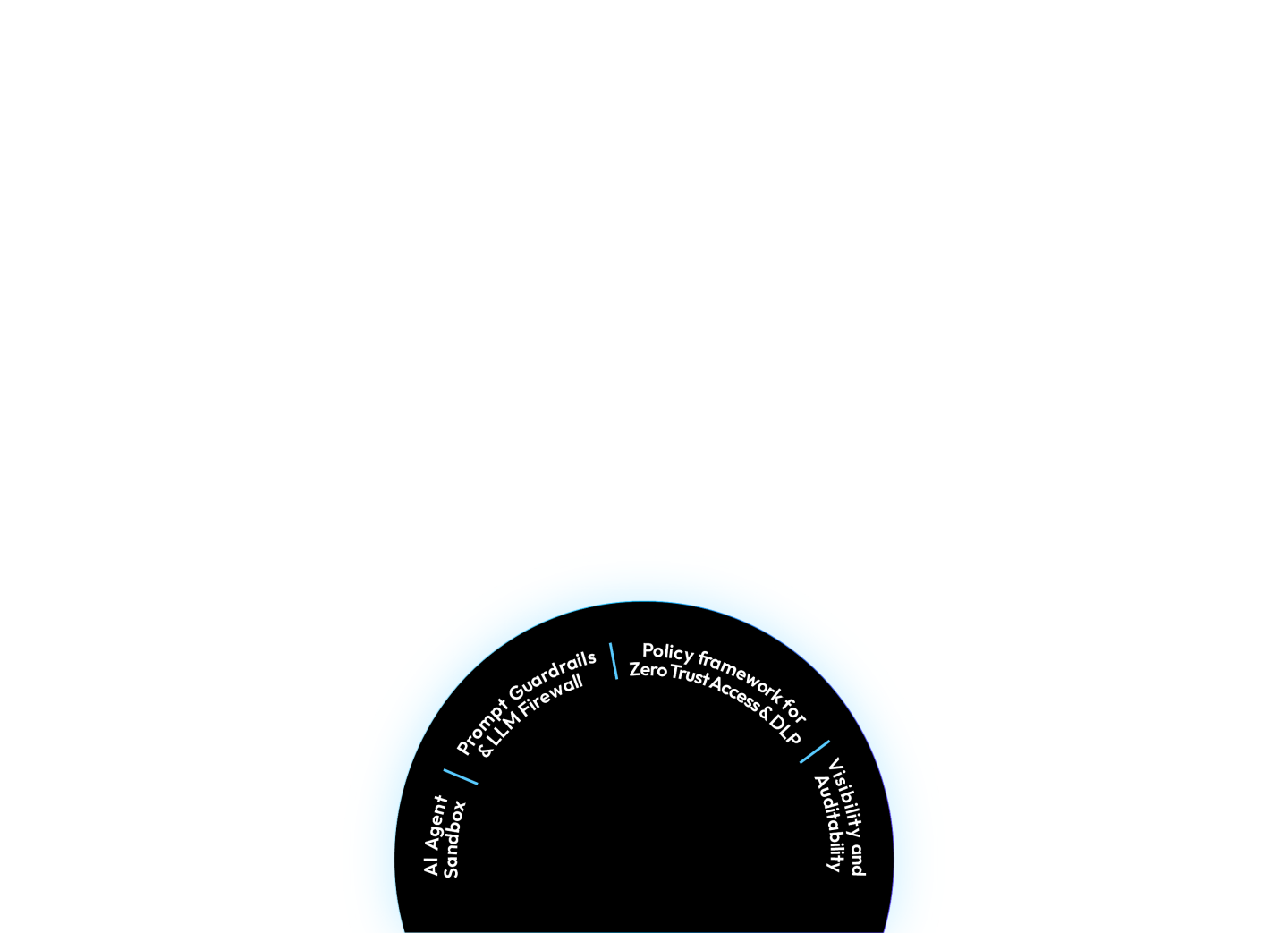
Automate workflows, query data securely, detect prompt risks, and summarize content — all within enterprise guardrails. Protect AI agents, apps, models, identities, and infrastructure from data leaks through one unified platform.
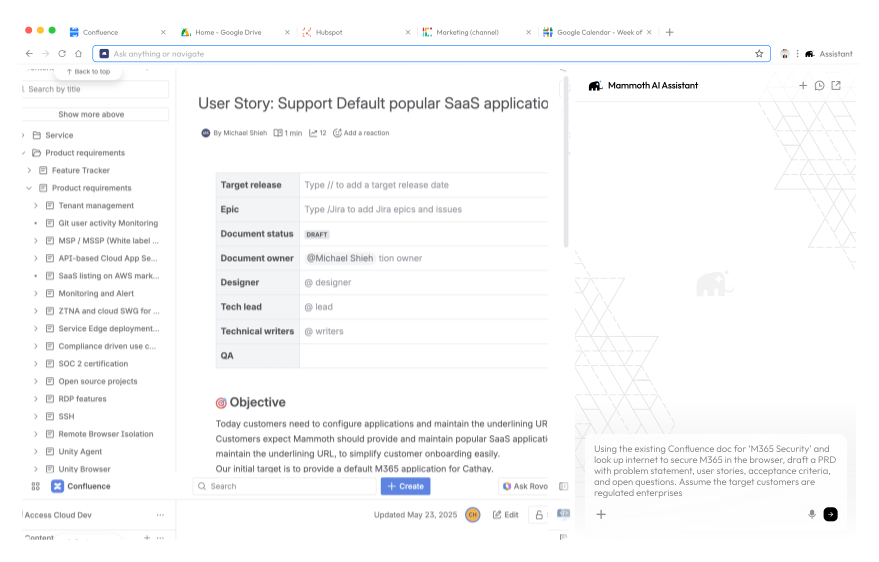
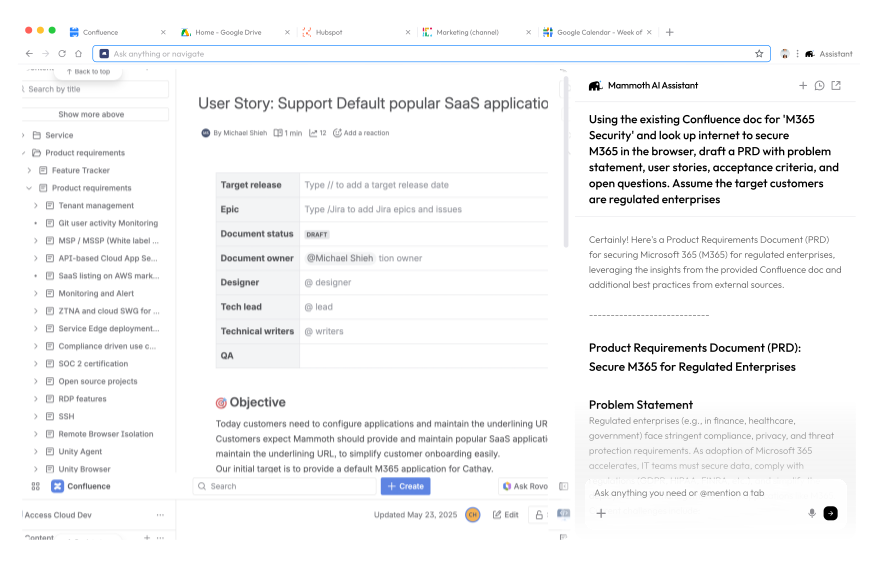
AI Companions
Customizable agents for Sales, Recruiting, Research, and Ops
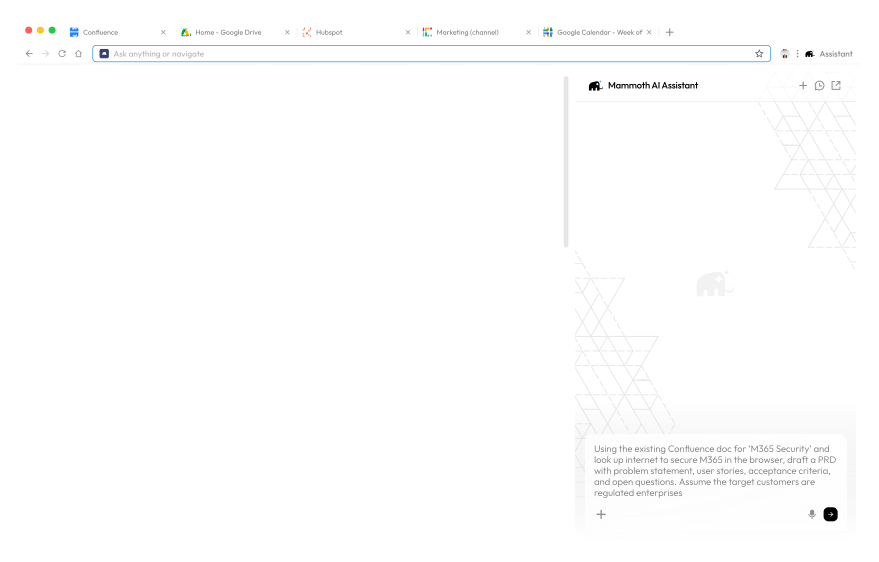
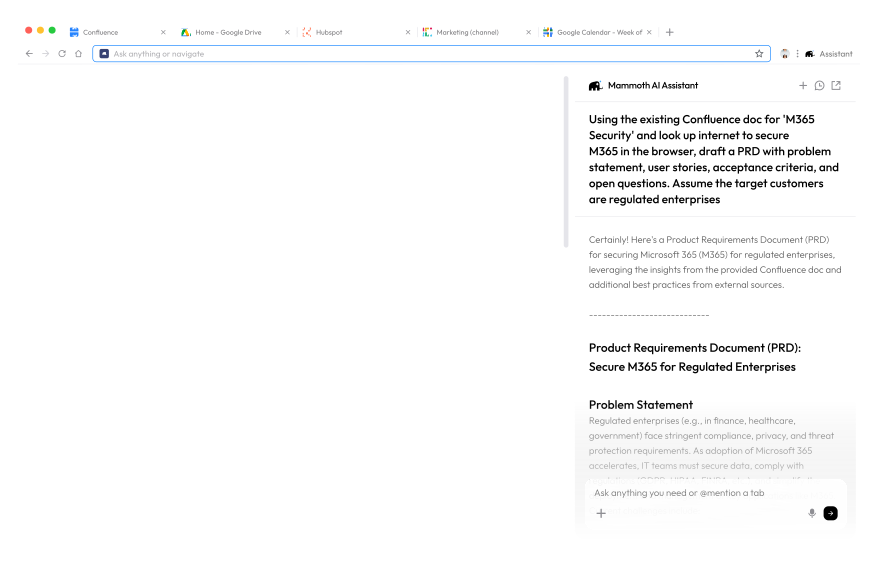
Context-Aware Assistant
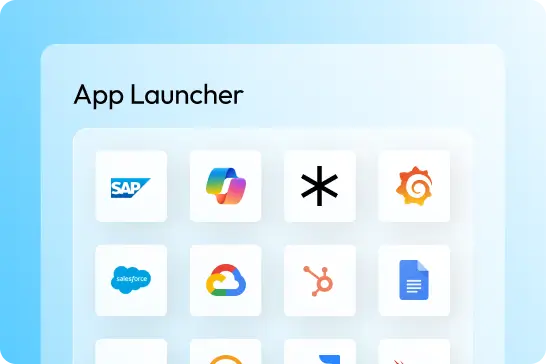
Query across tabs and enterprise apps
Built-in AI Intelligence
Summarize pages, search what you see, auto-draft replies
Security Guardrails
PII/PHI redaction, domain policies, data-masking, SOC 2 compliance
Identity Integration
SAML / SCIM / Okta / Entra ID / Azure AD
Governance
Role-based policies, audit trails, approval flows, admin console
Mammoth is the secure, AI-native workspace.
Empower every team to use AI safely. Mammoth Enterprise AI Browser unifies productivity, data-loss prevention, insider-threat protection, and zero-trust controls — all in one secure workspace.
See Why Mammoth Stands Apart
Not all AI browsers are built for business.
Compare how Mammoth delivers enterprise trust and control.
- Target Use Case
- Data Privacy & Isolation
- Context Awareness DLP
- Copy / Paste & File Controls
- Audit & Logging
- Application Data Sharing
- Identity & Access Control
- Prompt Security Guardrails
- Compliance & Certifications
- Security Model
- Ads or Extension Promotion
- Enterprise Support / SLAs
- Enterprise & regulated environments
- Zero-trust session isolation, tenant-level data separation
- Enterprise DLP with real-time inspection, masking, and controls
- Full control over copy, paste, upload, download
- Full session audit (prompts, uploads, clipboard, downloads)
- Trust Circle — data shared only across approved apps
- Enterprise IAM (SAML, SCIM, Okta, Entra ID)
- Prompt injection detection, DLP, policy enforcement
- SOC 2 Type II, HIPAA-ready
- Zero-trust session isolation + policy engine
- Absolutely None
- Dedicated support + custom SLAs + SOC integration
- Prosumer / Individual
- Basic sandboxing
- None
- Limited
- Local logs only
- None
- Google login only
- None
- N/A
- Basic sandboxing
- Yes
- N/A
- Consumer & workspace users
- Data processed in Google cloud
- None
- None
- None
- Google ecosystem only
- Google account only
- None
- Google internal standards
- Standard Chrome sandbox
- Yes
- N/A
Prompt & Context Safety
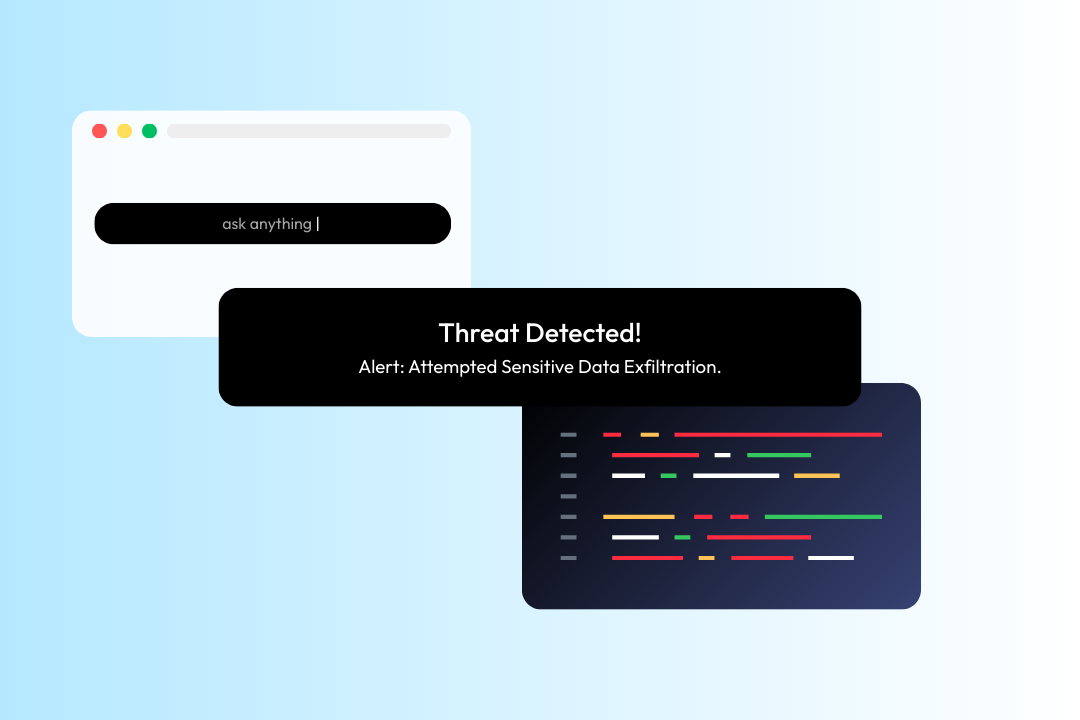
Protects against direct and indirect prompt injection by unifying browsing context, prompts, and retrieved content—revealing hidden instructions and risks invisible to human review.
Endpoint DLP & Privacy
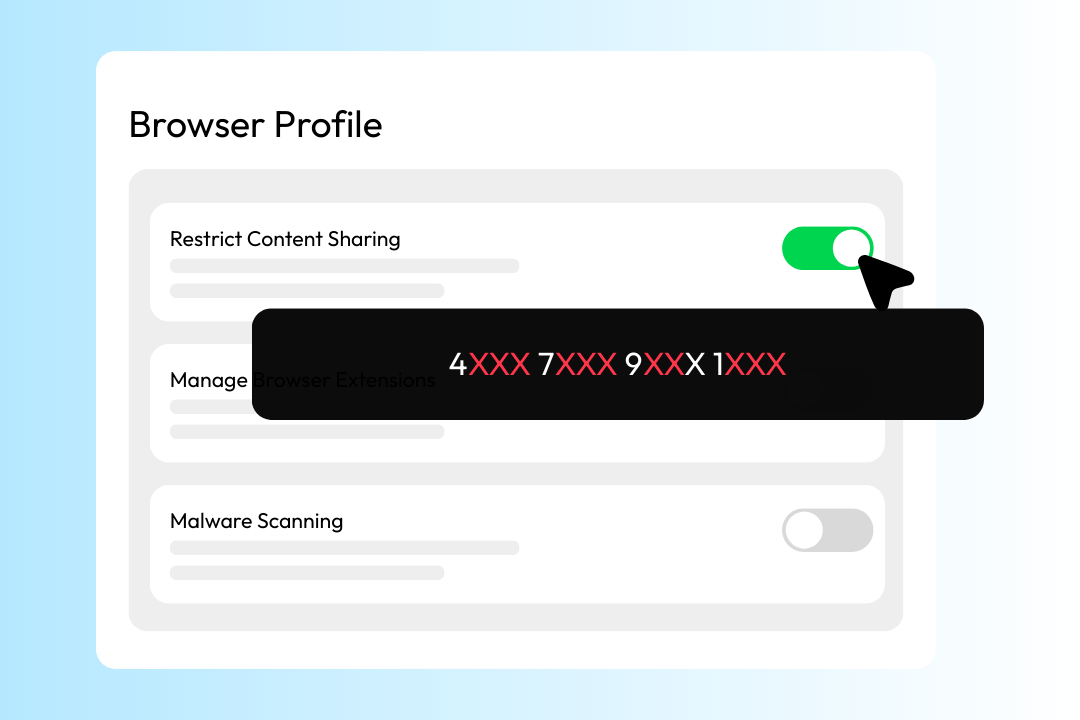
Prevents PII and PHI leakage across AI interactions, uploads, downloads, and background calls—enforcing endpoint DLP and privacy controls aligned with ISO/IEC 42001 requirements.
Context-Aware Data Control
Applies zero-trust policies based on who is accessing data, from where, on which device, and within which application—ensuring data is only used in approved contexts.
Audit, Logging & Policy Enforcement
Provides full visibility and control over AI and browser activity—enabling security teams to detect, investigate, and respond to data risks in real time.
Trusted by global teams for safe, controlled AI browsing.
Your browser is the new frontline – from AI-driven attacks to
third-party risks, your threat surface begins here.
“The best thing about the Mammoth Cyber solution is that it is so seamless for our remote employees. They just open the browser and go. On the security side, we really like the fact that this helps move our zero-trust initiative forward.”
National Bank with HQ in the Midwest
Learn more
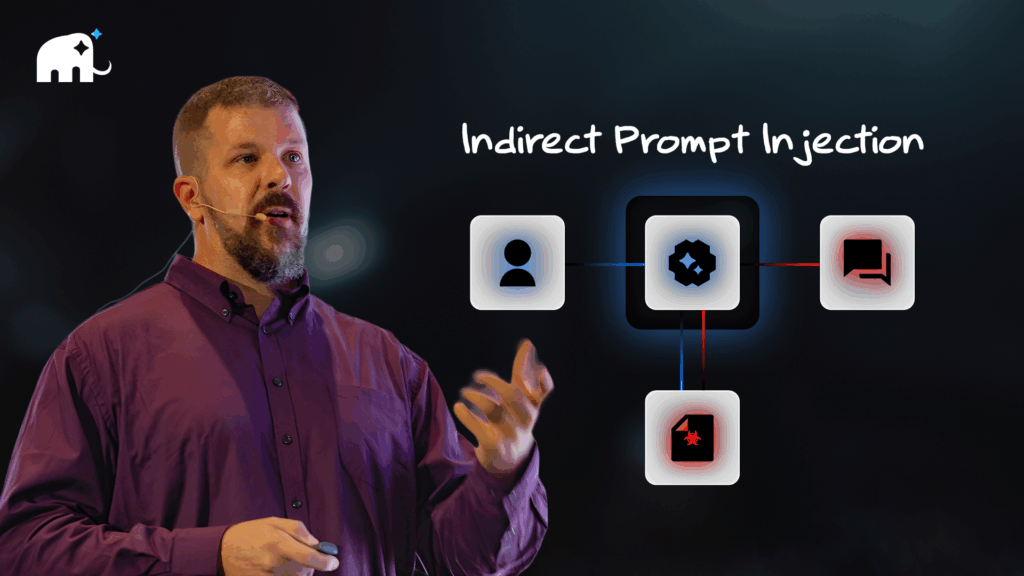
Indirect Prompt Injection and the Enterprise AI Browser — A Zero Trust Perspective
As organizations increasingly adopt browser-based agents, integrated AI capabilities, and enterprise AI browsers, one of the less-visible threat vectors has emerged into sharp focus: indirect prompt injection.
Frequently Asked Questions
How does Mammoth integrate with identity providers like Okta or Azure AD?
Mammoth integrates seamlessly with enterprise identity platforms such as Okta, Azure AD, and other SSO vendors using SCIM and WebAuthn standards. Admins can bind authentication policies directly to browser sessions, ensuring every user logs in through secure SSO. This centralizes access control and simplifies user lifecycle management across all devices.
How does Mammoth ensure device trust and endpoint compliance?
Before a user can connect, Mammoth verifies device posture through integrations with tools like Intune and Jamf. It checks for encryption, antivirus, and security posture compliance via TPM-based registration and agent-based signals. This ensures only trusted, policy-compliant devices gain access to enterprise resources.
How does Mammoth prevent data loss or unauthorized sharing?
Mammoth includes built-in DLP controls such as data masking, watermarking, and copy-paste restrictions. Sensitive information is protected even within browser sessions—preventing screen captures, downloads, or personal account access (e.g., Gmail, iCloud). Files are encrypted locally and routed to approved cloud storage to maintain full auditability and data governance.
What visibility and audit capabilities does Mammoth provide?
Every action—from admin configuration to user session events—is logged and auditable. Mammoth integrates with leading SIEM platforms like Splunk, Azure Sentinel, and syslog systems for unified monitoring. Logs can be stored securely on-premises or in the cloud, helping security teams maintain complete visibility and compliance.
How does Mammoth differ from consumer-grade AI browsers?
Consumer AI browsers are optimized for convenience and open data access—often running AI models that can see or process sensitive content. Mammoth takes the opposite approach: it’s designed for enterprises that need AI-powered productivity without compromising control. Mammoth enforces data boundaries, prevents indirect prompt injection, masks confidential data within AI interactions, and ensures every AI feature operates within your organization’s compliance and security framework.
Ready to Bring AI to Your Enterprise — Safely?
Experience the power of Mammoth Enterprise Al Browser. Request a demo today!
